Details
DRM: Digitales Wasserzeichen
Weitere Details
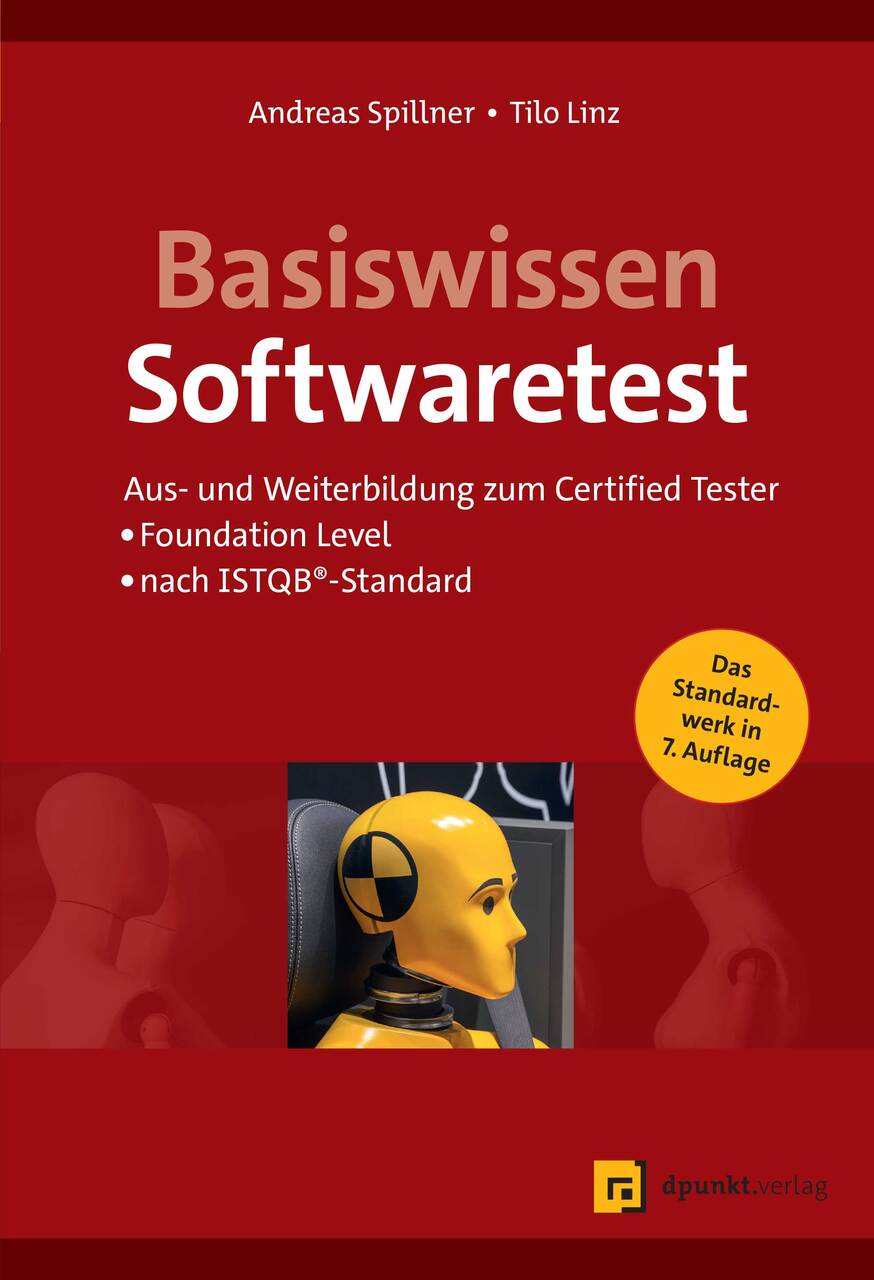
Software Testing Foundations
eBook - A Study Guide for the Certified Tester Exam- Foundation Level- ISTQB® Compliant
Beschreibung
Fundamental knowledge and basic experience brought through practical examples
- Thoroughly revised and updated 5th edition, following upon the success of four previous editions
- Updated according to the most recent ISTQB® Syllabus for the Certified Tester Foundations Level (2018)
- Authors are among the founders of the Certified Tester Syllabus
Professional testing of software is an essential task that requires a profound knowledge of testing techniques. The International Software Testing Qualifications Board (ISTQB®) has developed a universally accepted, international qualification scheme aimed at software and system testing professionals, and has created the Syllabi and Tests for the Certified Tester. Today about 673,000 people have taken the ISTQB® certification exams.
The authors of Software Testing Foundations, 5th Edition, are among the creators of the Certified Tester Syllabus and are currently active in the ISTQB®. This thoroughly revised and updated fifth edition covers the Foundation Level (entry level) and teaches the most important methods of software testing. It is designed for self-study and provides the information necessary to pass the Certified Tester-Foundations Level exam, version 2018, as defined by the ISTQB®.
Topics covered:
- Fundamentals of Testing
- Testing and the Software Lifecycle
- Static and Dynamic Testing Techniques
- Test Management
- Test Tools
Über Andreas Spillner, Tilo Linz
E-Book Informationen
Alle hier erworbenen E-Books können Sie in Ihrem Kundenkonto in die kostenlose PocketBook Cloud laden. Dadurch haben Sie den Vorteil, dass Sie von Ihrem PocketBook E-Reader, Ihrem Smartphone, Tablet und PC jederzeit auf Ihre gekauften und bereits vorhandenen E-Books Zugriff haben.
Um die PocketBook Cloud zu aktivieren, loggen Sie sich bitte in Ihrem Kundenkonto ein und gehen dort in den Bereich „E-Books“. Setzen Sie hier einen Haken bei „Neue E-Book-Käufe automatisch zu meiner Cloud hinzufügen.“. Dadurch wird ein PocketBook Cloud Konto für Sie angelegt. Die Zugangsdaten sind dabei dieselben wie in diesem Webshop.
Weitere Informationen zur PocketBook Cloud finden Sie unter www.meinpocketbook.de.
Allgemeine E-Book-Informationen
E-Books in diesem Webshop können in den Dateiformaten EPUB und PDF vorliegen und können ggf. mit einem Kopierschutz versehen sein. Sie finden die entsprechenden Informationen in der Detailansicht des jeweiligen Titels.
E-Books ohne Kopierschutz oder mit einem digitalen Wasserzeichen können Sie problemlos auf Ihr Gerät übertragen. Sie müssen lediglich die Kompatibilität mit Ihrem Gerät prüfen.
Bei E-Books die mit Readium LCP geschützt sind erscheint bei dem ersten Öffnen auf ihrem Reader ein Hinweisfenster mit der Aufforderung ein Passwort einzugeben. Gleichzeitig öffnet sich ein Infofeld in dem das Passwort steht. Tragen Sie dieses Passwort in das Eingabefeld ein und bestätigen Sie die Eingabe. Danach öffnet sich das E-Book automatisch. Um E-Books die mit Readium LCP geschützt sind auf einem Tablet/Laptop/Smartphone lesen zu können, benötigen Sie ein Programm, das in der Lage ist, mit diesem Kopierschutz umzugehen. Das ist z.B. der Thorium Reader (Windows, Mac, Linux) oder die PocketBook App (iOS, Android). Fügen Sie das heruntergeladene E-Book in das Programm ein. Bei dem ersten Öffnen erscheint ein Hinweisfenster mit der Aufforderung ein Passwort einzugeben. Gleichzeitig öffnet sich ein Infofeld in dem das Passwort steht. Tragen Sie dieses Passwort in das Eingabefeld ein und bestätigen Sie die Eingabe. Danach öffnet sich das E-Book automatisch.“